
Toilet Tower Defense Trading Guide: Smarter Upgrades
Use this Toilet Tower Defense trading guide to compare offers, judge shiny units, find active traders, and avoid bad deals while upgrading your inventory.
Jump to
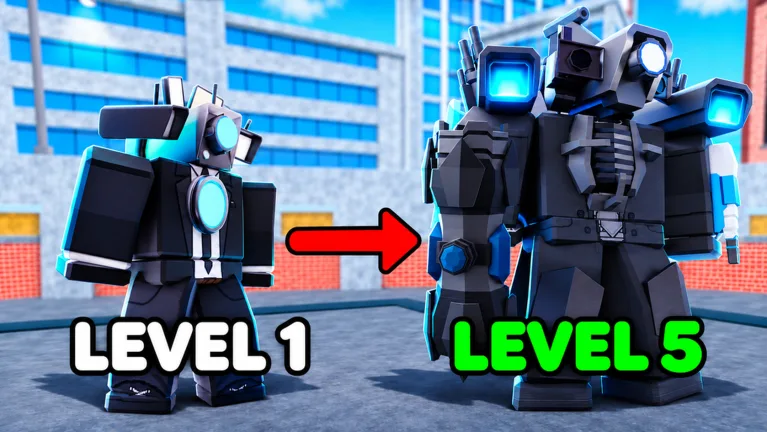
How to Trade Up in Toilet Tower Defense
A flashy offer means nothing if the final trade leaves you with the wrong unit. This Toilet Tower Defense trading guide focuses on finding real offers, comparing gems with units, and checking what actually lands in your inventory. Start in the trading plaza, enable trades, and advertise the item you want to exchange.
Keep your message specific: name what you have and ask for offers. Once you have a target, name that unit too. “Trading Shiny Angelic Guardian for Shiny chained Watchman of Doom” gives potential partners more direction than “offer for my inventory.”
Build your next trade around what you currently own. After exchanging a unit for a crate or gems, update your message so you attract offers for the item you actually have.
Official page: Toilet Tower Defense (roblox.com)
Find Traders Who Are Ready to Deal
An active plaza still takes patience. Players can be busy trading, have requests disabled, restrict trades to friends, or leave their characters idle.
Use this sequence to keep things moving:
- Check that your trades are enabled. Do this before waiting for incoming requests.
- Advertise your current offer. Keep the message short enough to understand immediately.
- Send a request to someone holding your target. Ask for the specific unit once the trade opens.
- Move on from stalled conversations. Repeated cancellations and requests to sign items can consume your trading session.
- Switch servers when offers dry up. Look for another plaza with players willing to negotiate.
If someone accepts requests only from friends, ask whether they want to trade before adding them. A friend request alone gives you no reason to accept their offer.
Compare Gems, Units, and the Whole Package
Separate the gem amount from the units before deciding whether to accept. A large number can distract you from what you are giving away.
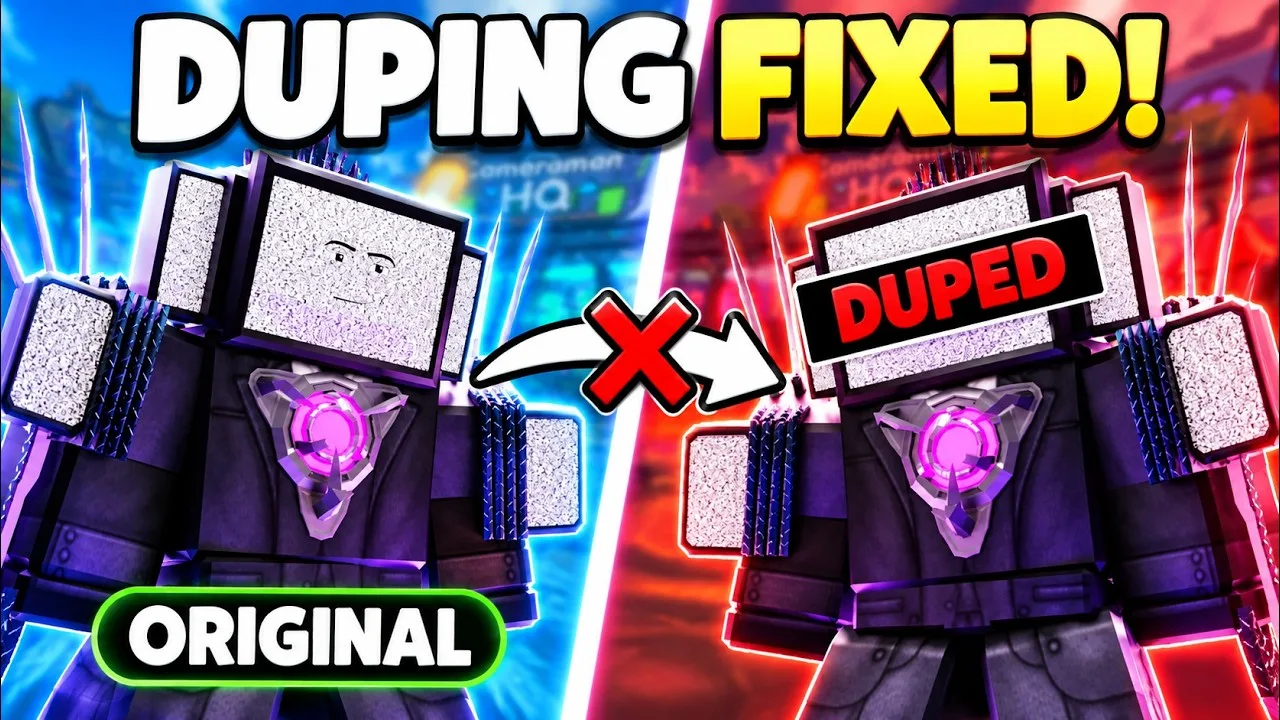
For an offer involving 300,000 gems, inspect every unit in the return rather than accepting the first Ultimate placed in the window. Likewise, an offer of 1.1 million gems plus several units deserves a separate look at each component. Decide whether you want the units or whether the gem total is doing all the work.
Check these details:
- Exact unit name: Confirm that the offered unit matches your target.
- Shiny status: Inspect the variant instead of relying on a similar-looking name.
- Evolution: Include the unit’s evolution state in your comparison.
- Traits: Look at the attached trait before exchanging otherwise similar units.
- Signatures: Decide whether a signed item matters to you before paying extra for it.
Keep a gem budget for your target. Putting your entire balance into every trade makes it harder to judge how much you are willing to spend.
Use Rarity as a Comparison Point
Check existence counts alongside the unit’s other attributes. Avoid choosing a trade solely because one shiny has fewer copies.
For example, inspect a Shiny Angelic Guardian’s trait before swapping it for another rare shiny. A damage trait adds another detail to compare; the existence counter cannot capture that difference.
Keep your target in view, too. If you want a particular Celestial, ask its owner what they want before accepting another intermediate upgrade. Repeatedly swapping into different rare units can leave you still searching for someone willing to make the final exchange.
Do not plan around unusually generous offers for signed items. Negotiate around the inventory and gems you can actually offer.
Check the Final Trade and Your Inventory
Watch the contents of the trade window through the final acceptance. If someone removes an item, reassess the offer from the beginning. Your earlier agreement applied to a different package.
Decline repeated countdown cancellations and move on. Retaliating with your own fake offer only uses time you could spend finding another trader.
After a trade completes, open your inventory and locate the exact unit you expected. Check its shiny status, evolution, and traits before offering it again. If it is missing, stop trading with that partner and review the trade record before making another exchange.
Continue with
 Toilet Tower Defense Trade Scam: Spot the Red FlagsSpot a Toilet Tower Defense trade scam before you lose rare units. Learn how fake signing, offer swaps, and trust trades work so you can trade more safely.
Continue exploring

Toilet Tower Defense Beginner Guide: Smarter Starts
This Toilet Tower Defense beginner guide covers troop placement, team roles, coins, codes, and upgrades. Build a stronger squad and avoid early mistakes.
Toilet Tower Defense How To Get Good Units: Smart Tips
Toilet Tower Defense how to get good units: earn coins, spend summons wisely, compare trades, and choose useful game passes without wasting Robux or gems.
Join the community
Official channels for news, updates and player help: